

Description
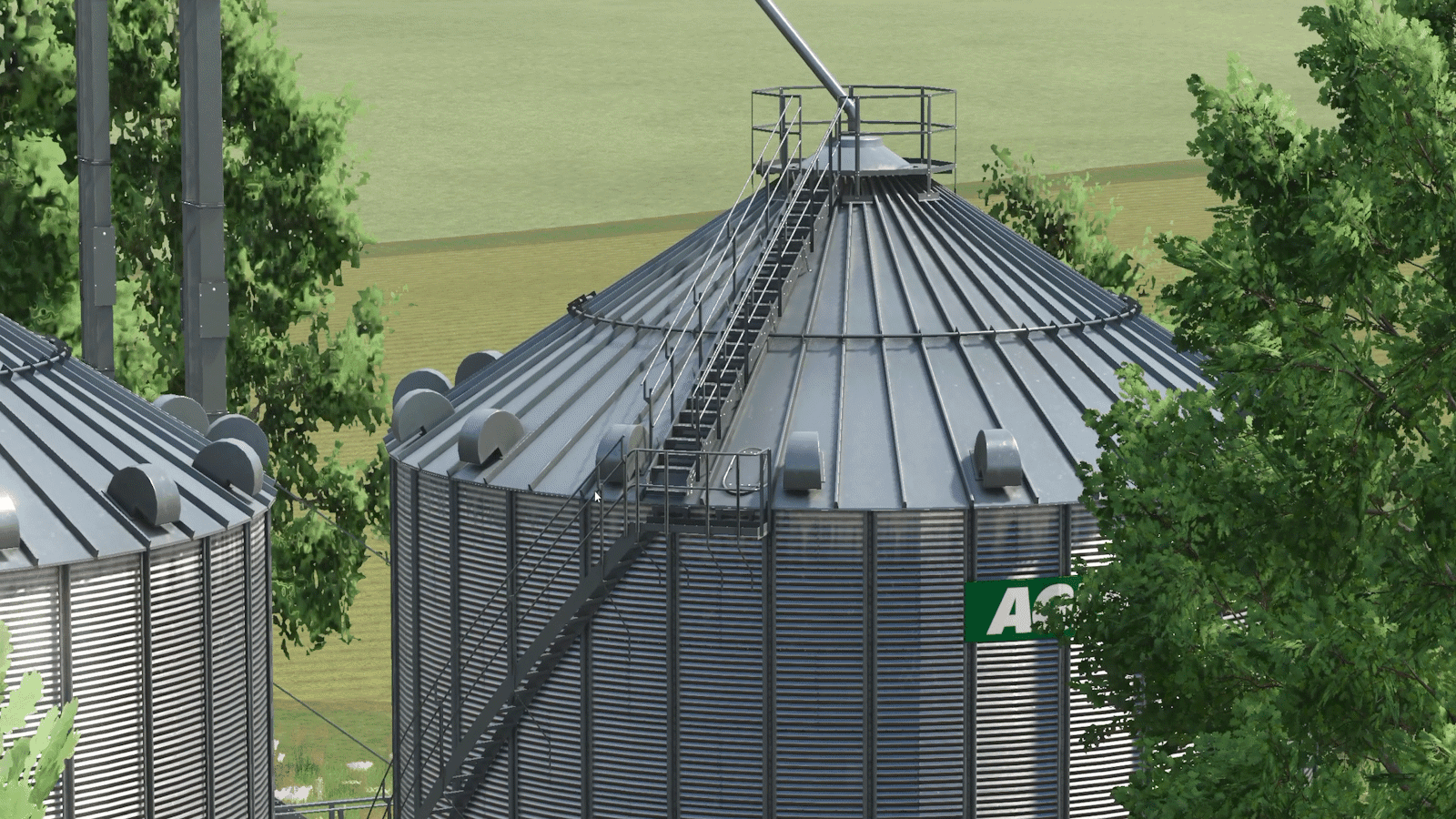
Make proper cinematic shots inside Farming Simulator 25, with no editing tricks.
Cinematic Camera lets you place keyframes around the map and have the camera glide through them on a smooth curve. It blends position, angle and lens, so every take comes out like a real camera operator filmed it, and you can repeat it as many times as you need.
Features
- Keyframe paths: add keyframes on foot or in the air, and the camera follows a smooth spline through them.
- Fly mode: free drone-style camera with smooth acceleration, fast and slow modes, and unlimited mouse look.
- Real lenses: 14mm to 200mm per keyframe, zooming smoothly between them.
- Timing and ease: set the time for every segment (with live m/s readout) and ease in or out for gentle starts and stops.
- Edit any keyframe: step through them, jump the camera to one, update its position, insert or delete.
- Path preview: see the route, keyframes and look directions in the world before you shoot.
- Clean playback: the HUD hides automatically, ready to record with OBS or similar.
- 9 save slots per map, with overwrite protection.
- Fully rebindable in Options → Controls.
| Action | Key |
|---|---|
| Open / close tool | Left Alt + C |
| Fly mode on / off | Numpad 0 |
| Play / stop | Numpad Enter |
| Add keyframe | Alt + K (fly mode: K) |
| Select keyframe | Alt + ← / → (fly mode: ← / →) |
| Update selected keyframe | Alt + U (fly mode: U) |
| Lens | Alt + PgUp/PgDn (fly mode: mouse wheel) |
| Segment time | Alt + ↑ / ↓ (fly mode: ↑ / ↓) |
| Ease | Alt + E (fly mode: R) |
| Save / load | Alt + S / Alt + O (fly mode: Numpad 7 / 9) |
| Save slot | Alt + N / B (fly mode: 1–9) |
Fly mode movement: WASD to move, E up, Q down, Shift fast, Ctrl slow, hold mouse to look, Numpad 4/6/8/2 to pan.
Installation
- Download
FS25_RTM_cinematicCamera.zip. Don’t unzip it. - Put it in
Documents\My Games\FarmingSimulator2025\mods. - Enable Cinematic Camera when loading your savegame.
- Works in singleplayer and multiplayer. Each player’s camera is their own, and all players need the mod installed.
- The tool’s hotkeys work on foot; use fly mode for airborne and vehicle shots.
- Paths save to
modSettings\FS25_cinematicCamera.
Credits
RhodTehMod
Files
94.2 KB
Primary0 Downloads
Comments
Login to leave a commentDownload
Version:1.3
File size:94.2 KB
Downloads:1
Rating
Rating
0Rate this mod
Views
11