
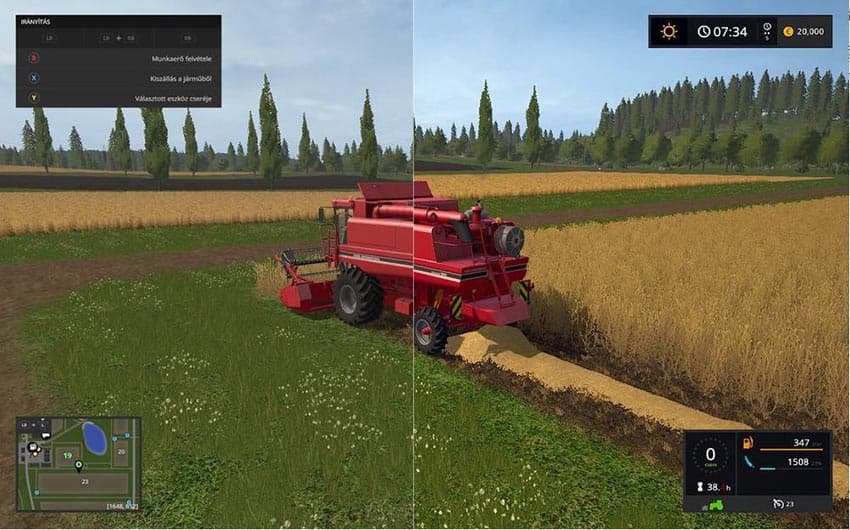
Description
INSTALLATION:
1. Download Reshade + Sweet FX (All files in the zip!)
2. Unrar files and run Reshade setup, choose .exe of the game what you want to apply this preset.
3. Download this preset and rename to SweetFX_settings.
4. Finally open game folder then SweetFX folder and overwrite SweetFX_Settings with my preset.
1. Download Reshade + Sweet FX (All files in the zip!)
2. Unrar files and run Reshade setup, choose .exe of the game what you want to apply this preset.
3. Download this preset and rename to SweetFX_settings.
4. Finally open game folder then SweetFX folder and overwrite SweetFX_Settings with my preset.
Credits
JBK
Files
7.6 MB
Primary0 Downloads
Total downloads including previously deleted files: 0
