
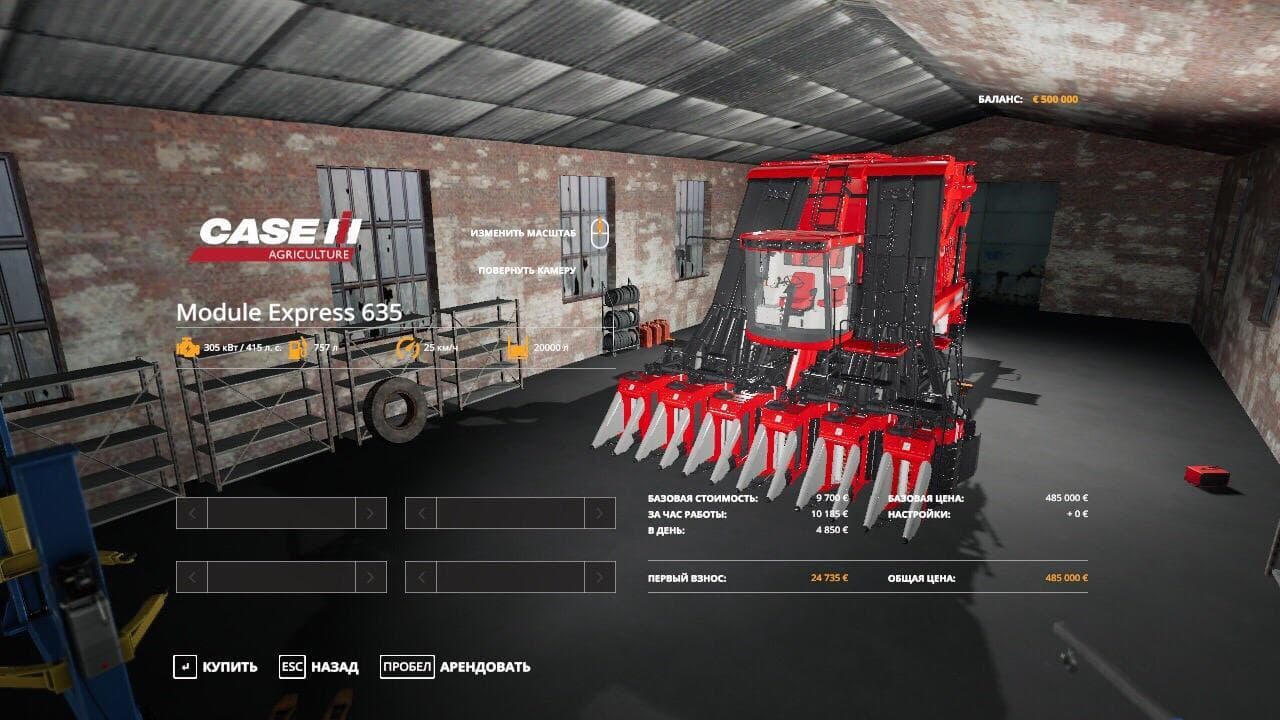
Description
Installation
- Unpack the archive
- Replace archive folder with ui
- After the path Game> FS19> data> store> replace the ui folder
- I advise you to save the native ui folder to another place so that if something is returned back.
- Unpack the archive
- Replace archive folder with ui
- After the path Game> FS19> data> store> replace the ui folder
- I advise you to save the native ui folder to another place so that if something is returned back.
Credits
Replacement Of Standard Store
Files
16.0 MB
Primary0 Downloads
Total downloads including previously deleted files: 0
