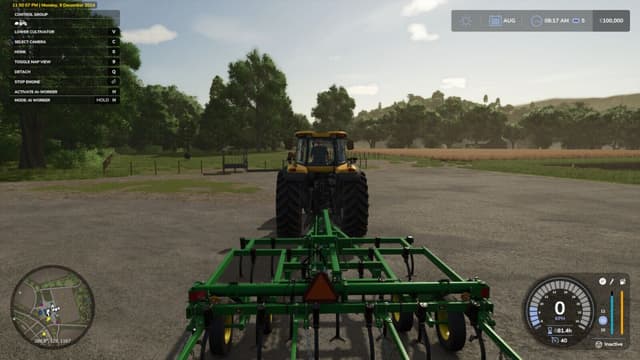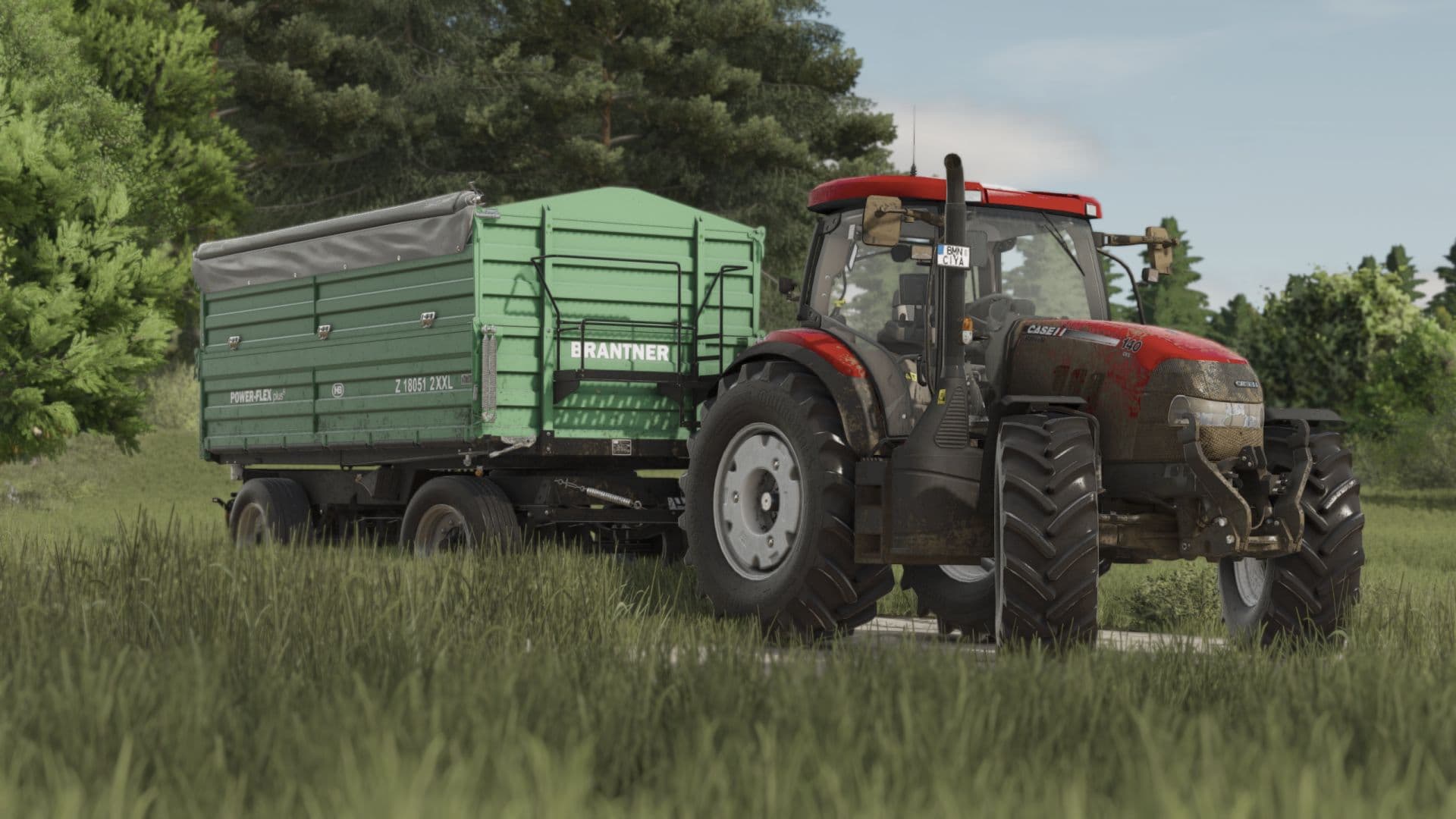
Description
Hello guys, I come back with another shader, I hope you like it. Enjoy!!!
Instructions
1. Install Addition Game Settings mod
2. Install Reshade
* Pick Giants Engine 10.0.0 and DirectX10,11,12
* Install all effects
3. Go in Program Files (x86)\Steam\steamapps\common\Farming Simulator 25(in my case) and put in the x64 folder the Shader_3 by CasiJr.ini
4. Launch game and press “Home” button and select “Shader_3 by CasiJr.ini”
5. In “Additional Settings” tab change your “Custom lighting” to “Sample”. It is the first option after “off”.
Credits
Casian
Files
13.8 KB
Primary10 Downloads
Total downloads including previously deleted files: 10