

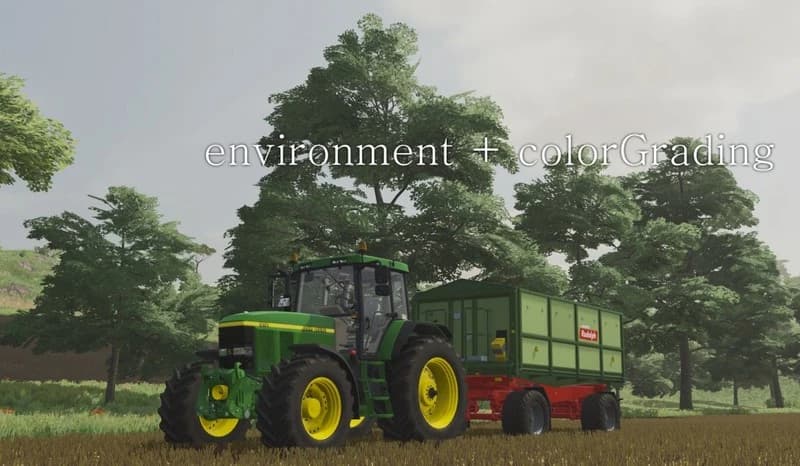
Description
1. An example of lighting location for a French map:
X:\Steam\steamapps\common\Farming Simulator 22\data\maps\mapFR
In this folder you should have a file called environment.xml, open it and search for the lines you want to change:
autoExposure
primaryExtraterrestrialColor
Copy the lines from the text file "environment" to environment.xml, where your map is. See above.
2.Copy the contents of the "colorGrading" folder to the same location:
X:\Steam\steamapps\common\Farming Simulator 22\data\maps\mapFR
(When copying, replace old files)
3. You do the same for the rest of the original maps.
X:\Steam\steamapps\common\Farming Simulator 22\data\maps\mapFR
In this folder you should have a file called environment.xml, open it and search for the lines you want to change:
autoExposure
primaryExtraterrestrialColor
Copy the lines from the text file "environment" to environment.xml, where your map is. See above.
2.Copy the contents of the "colorGrading" folder to the same location:
X:\Steam\steamapps\common\Farming Simulator 22\data\maps\mapFR
(When copying, replace old files)
3. You do the same for the rest of the original maps.
Credits
uallritz
Files
15.3 MB
Primary0 Downloads
Total downloads including previously deleted files: 0
Comments
Login to leave a commentDownload
Version:1.0
File size:15.3 MB
Downloads:0
Rating
Rating
0Rate this mod
Views
4