
Description
What Works
Multiplayer support
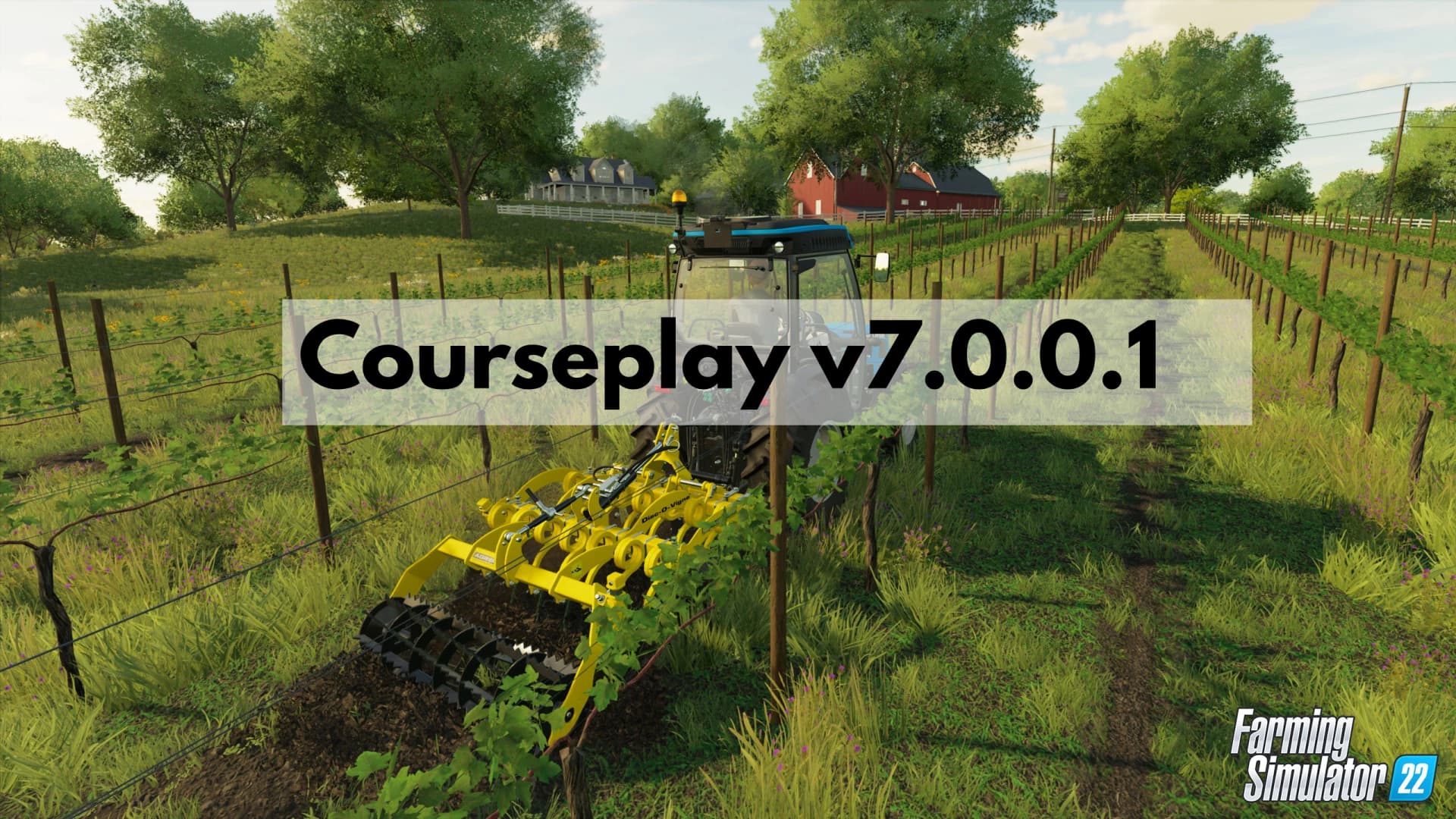
Fieldwork and vine work with courses from the course generator.
Course manager for saving/loading/renaming/moving and deleting of courses.
Wrapping and collecting of bales with or without a course.
Unloading of combines with unloaders.
Creating heaps of sugar beets or other fruits on the field with the combine unloader.
Unloading silo loaders, like the ROPA Maus and letting AD or Giants unload the trailer after that.
Compacting of a bunker silo or pushing the chaff into the back of a silo.
Let the combine unload into nearby trailers (combine self unload).
Field work with up to 5 vehicles on the same course (multi tool course).
Creating custom fields by recording a course or drawing on the AI Map.
Course editor to edit fieldwork courses or custom field borders.
Mod support with AutoDrive:
Sending the fieldwork driver to refill seeds/fertilizers and so on.
Sending the fieldworker/ bale collector to unload collected straw and so on.
Sending the fieldwork driver to refuel or repair.
Bale collector mod support for: Pallet Autoload Specialization Universal Autoload Usage
There is now a CP Fieldwork job available on the AI helper screen. Just with the built in helper, you can select a target position. When you start the job, the helper will drive to this position before starting the fieldwork. Use the Field position to tell the helper which field you want them to work on. Once you selected a valid Field position, you can click on the CP Open/Close Course Generator button on the bottom of the screen to open the course generator and generate a course. If your vehicle is already near or on the field, you can use the HUD or a keyboard shortcut to start the CP helper at the first, nearest or last waypoint of the fieldwork course.
Turning on Debug Channels
When there's an issue, you can turn on debug logging on the Courseplay vehicle settings page for each vehicle. This will enable loggin debug information for that vehicle only. Devs need those logs when troubleshooting and fixing bugs.
What information is logged when you activated the debug logging for the vehicle depends on the active debug channels. This are similar to those we had in CP 19, but the way to turn them on/off is different: you can bring up the debug channel menu by pressing Shift+4, then use Shift+1 and Shift+3 to select a channel, and then Shift+2 to toggle the selected debug channel (green is on).
Remember, you have to activate debug mode for the vehicle in the vehicle settings page, otherwise nothing is logged, even if the channel is active.
Developer version
Please be aware you're using a developer version, which may and will contain errors, bugs, mistakes and unfinished code. Chances are you computer will explode when using it. Twice. If you have no idea what "beta", "alpha", or "developer" means and entails, steer clear. The Courseplay team will not take any responsibility for crop destroyed, savegames deleted or baby pandas killed.
We work long, hard, in our own free time at developing and improving Courseplay. If you like the project, show us your undying love: PayPal donate
We removed the H key binding to start Courseplay, H will now start the built-in helper (or bring up the helper screen) as in the vanilla game.
To start the Courseplay helper, there is a new Action (CP Start driver) you can now assign to any key combination in the Keyboard Controls screen, we recommend using Ctrl+H.
Credits
Peter VaikoTensukoschwiti6190Logo Design by Finals Farming
Files
1.9 MB
0 Downloads
1.9 MB
0 Downloads
2.6 MB
0 Downloads
2.6 MB
0 Downloads
2.6 MB
0 Downloads
2.6 MB
0 Downloads
2.7 MB
0 Downloads
2.7 MB
0 Downloads
2.7 MB
0 Downloads
2.6 MB
0 Downloads
2.6 MB
0 Downloads
2.8 MB
0 Downloads
2.8 MB
0 Downloads
2.8 MB
0 Downloads
2.8 MB
0 Downloads
2.8 MB
0 Downloads
2.8 MB
0 Downloads
2.8 MB
0 Downloads
2.8 MB
0 Downloads
2.8 MB
0 Downloads
2.8 MB
0 Downloads
2.9 MB
0 Downloads
2.9 MB
0 Downloads
2.9 MB
0 Downloads
2.9 MB
0 Downloads
2.9 MB
0 Downloads
2.9 MB
0 Downloads
2.9 MB
0 Downloads
2.9 MB
0 Downloads
2.9 MB
0 Downloads
2.9 MB
0 Downloads
2.9 MB
0 Downloads
2.9 MB
0 Downloads
2.9 MB
0 Downloads
3.0 MB
0 Downloads
3.0 MB
0 Downloads
3.0 MB
0 Downloads
3.0 MB
0 Downloads
3.0 MB
0 Downloads
3.0 MB
0 Downloads
3.0 MB
0 Downloads
3.0 MB
0 Downloads
3.0 MB
0 Downloads
3.0 MB
0 Downloads
3.0 MB
0 Downloads
3.0 MB
0 Downloads
3.1 MB
0 Downloads
3.1 MB
0 Downloads
3.1 MB
0 Downloads
3.1 MB
0 Downloads
3.1 MB
0 Downloads
3.1 MB
0 Downloads
3.1 MB
0 Downloads
3.1 MB
0 Downloads
3.1 MB
0 Downloads
3.1 MB
0 Downloads
3.1 MB
0 Downloads
3.3 MB
0 Downloads
3.3 MB
0 Downloads
3.5 MB
0 Downloads
3.5 MB
0 Downloads
3.5 MB
0 Downloads
3.5 MB
0 Downloads
3.6 MB
0 Downloads
3.6 MB
0 Downloads
3.6 MB
Primary0 Downloads
Total downloads including previously deleted files: 0
