

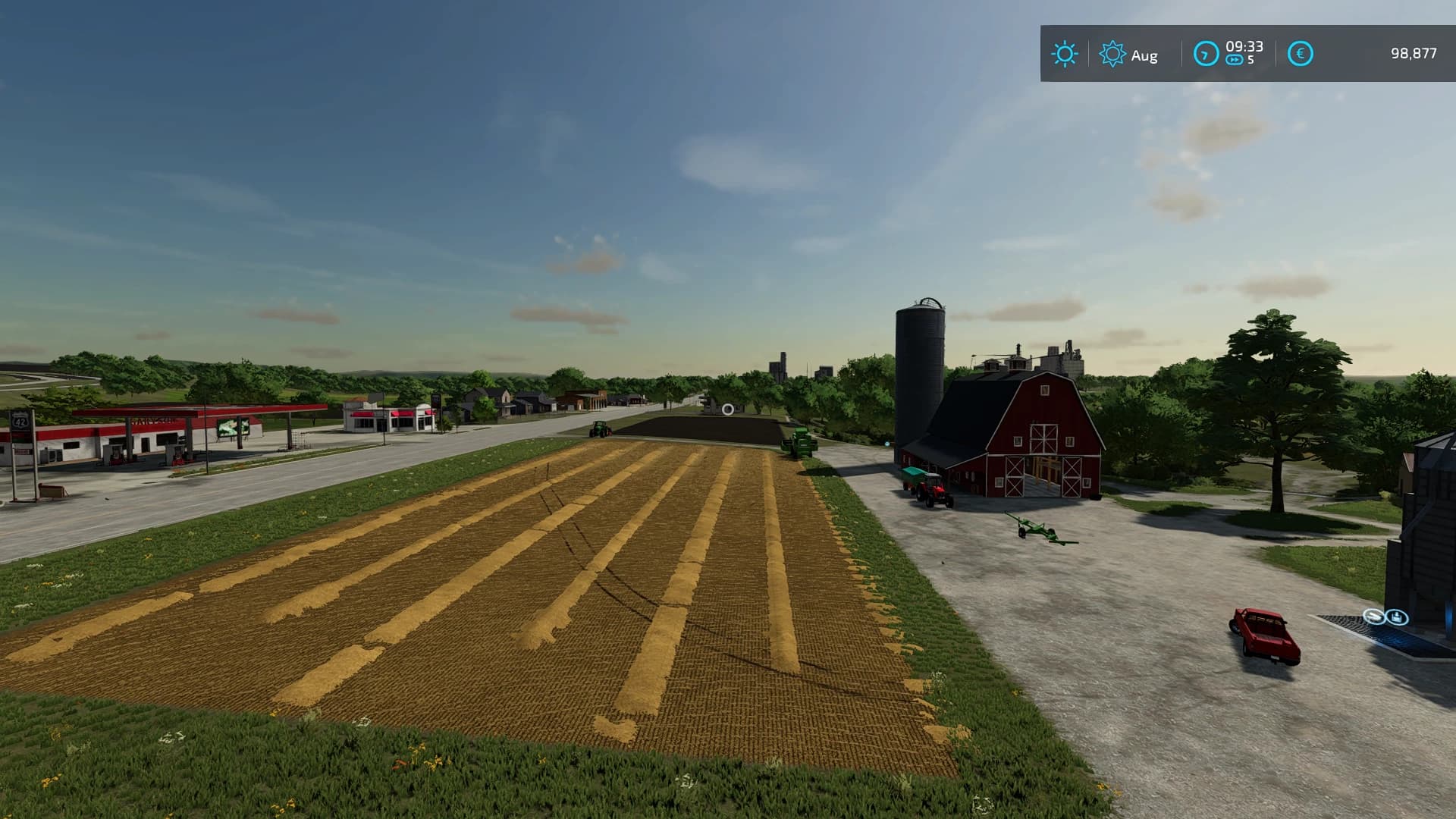
Description
-how to install-
1 Open the downloaded file, open the "Graphic Mods File" folder, and then copy all the files in it.
2 Come to the place where the game is installed. example: D:\Farming Simulator 22
3 When you come to the place where the game is installed, you will see the "x64" folder.
4 Open the x64 folder, paste the files you copied into the x64 folder.
5 That's it for the transaction. but reshade needs to be installed. Let me tell you how to set up reshade.
- How to install reshade?
1 Download reshade from this link.
2 exe you downloaded. run the file.
3 Then find the game, press the "browse" button, go to the files where the game is installed, then open the "x64" folder. Select FarmingSimulator2022Game.exe.
4 then choose "Direct3D 10/11/12".
5 Press the "Uncheck all" button on the lower left side of the screen. Then press the "check all" button again. then press the "ok" button.
6 installation is in progress. When the installation is finished, press the edit reshade settings button.
7 Click on the preset at the top of the screen that appears. and select the "Graphic Mod.ini" file.
8 You can close it by clicking the ok button. installation is complete.
Credits
RedeX01
Files
57.9 MB
Primary1 Downloads
Total downloads including previously deleted files: 1
Comments
Login to leave a commentDownload
Version:2.0
File size:57.9 MB
Downloads:1
Rating
Rating
0Rate this mod
Views
7