
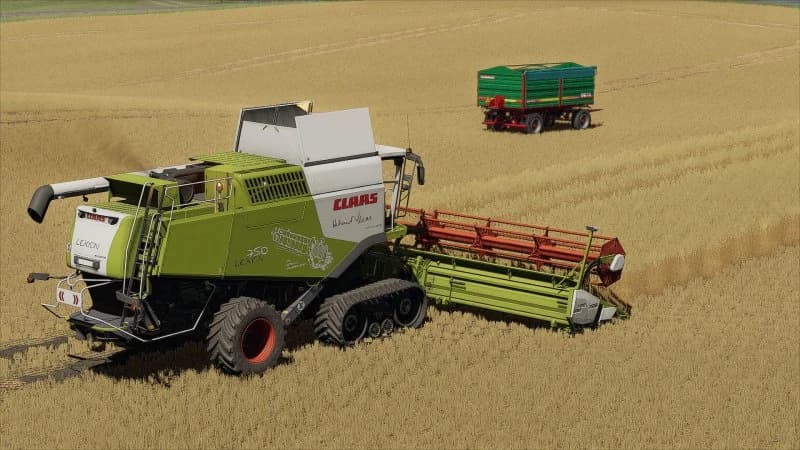
Description
Download, unzip and read txt file.
1. Before installing ReShade, make a copy of the files from the x64 folder. For example, it is here:
X:\Steam\steamapps\common\Farming Simulator 22
2. You are installing ReShade 5.9.2 with full add-on support from this page:
3. You select all effects during installation.
4. You must copy and paste the contents of the folder called "download" here:
X:\Steam\steamapps\common\Farming Simulator 22\x64
5. If the game does not start after installing ReShade for some reason, then:
- you are installing ReShade as administrator
- after installing ReShade, you run the game as an administrator
- after installing ReShade, you look for a file called dxgi.dll and rename it to d3d11
this file will be located here:
X:\Steam\steamapps\common\Farming Simulator 22\x64
Credits
K03y
Files
55.7 MB
Primary0 Downloads
Total downloads including previously deleted files: 0
Comments
Login to leave a commentDownload
Version:1.0
File size:55.7 MB
Downloads:0
Rating
Rating
0Rate this mod
Views
1