

Description
Shader idea:
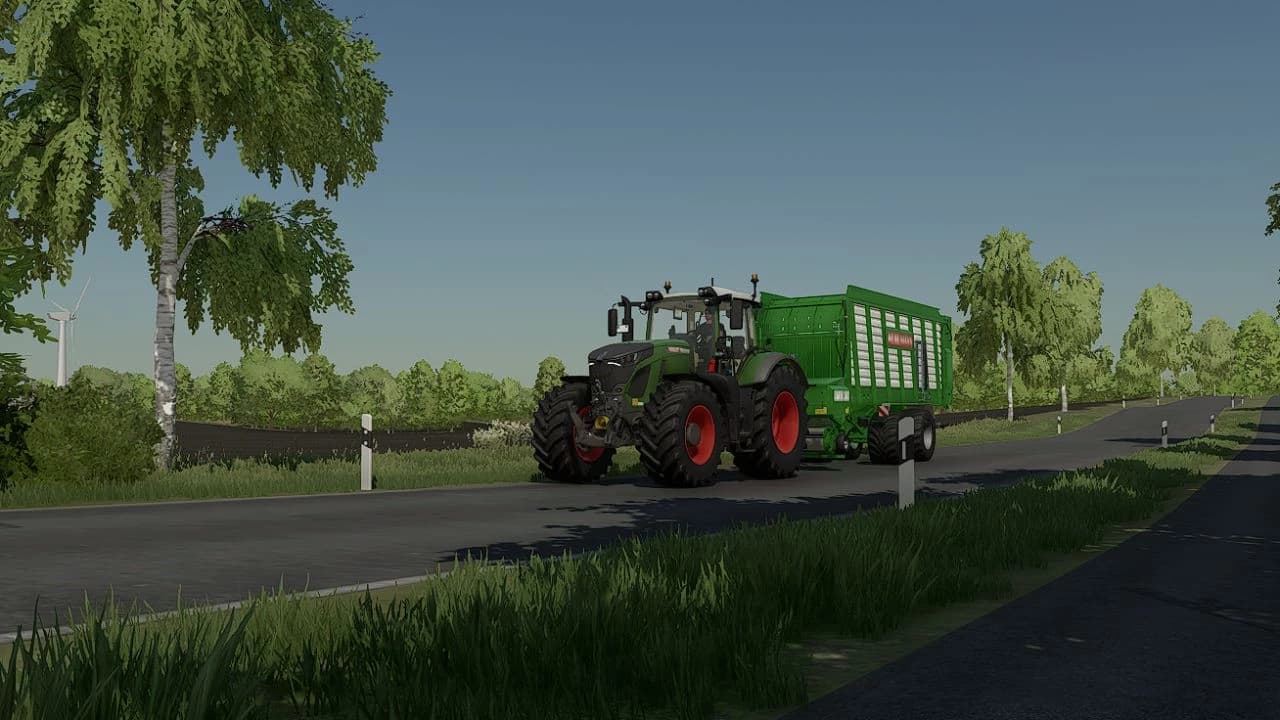
Here you can find the ReShade Shader from the modding group Beast Modding!
The ReShade settings are plain and simple, so it looks just like real life!
Installation instructions:
1. Install ReShade
2. Extract the archive and place it in C:\Program Files (x86)\Steam\steamapps\common\Farming Simulator 22\x64
3. Open the game and press "POS1", then click on the "Search bar" at the top and select our INI file and click on "SELECT", then the shader is activated!
Credits
Beast Modding
Files
55.9 KB
Primary0 Downloads
Total downloads including previously deleted files: 0
Comments
Login to leave a commentDownload
Version:1.0
File size:55.9 KB
Downloads:0
Rating
Rating
0Rate this mod
Views
7