
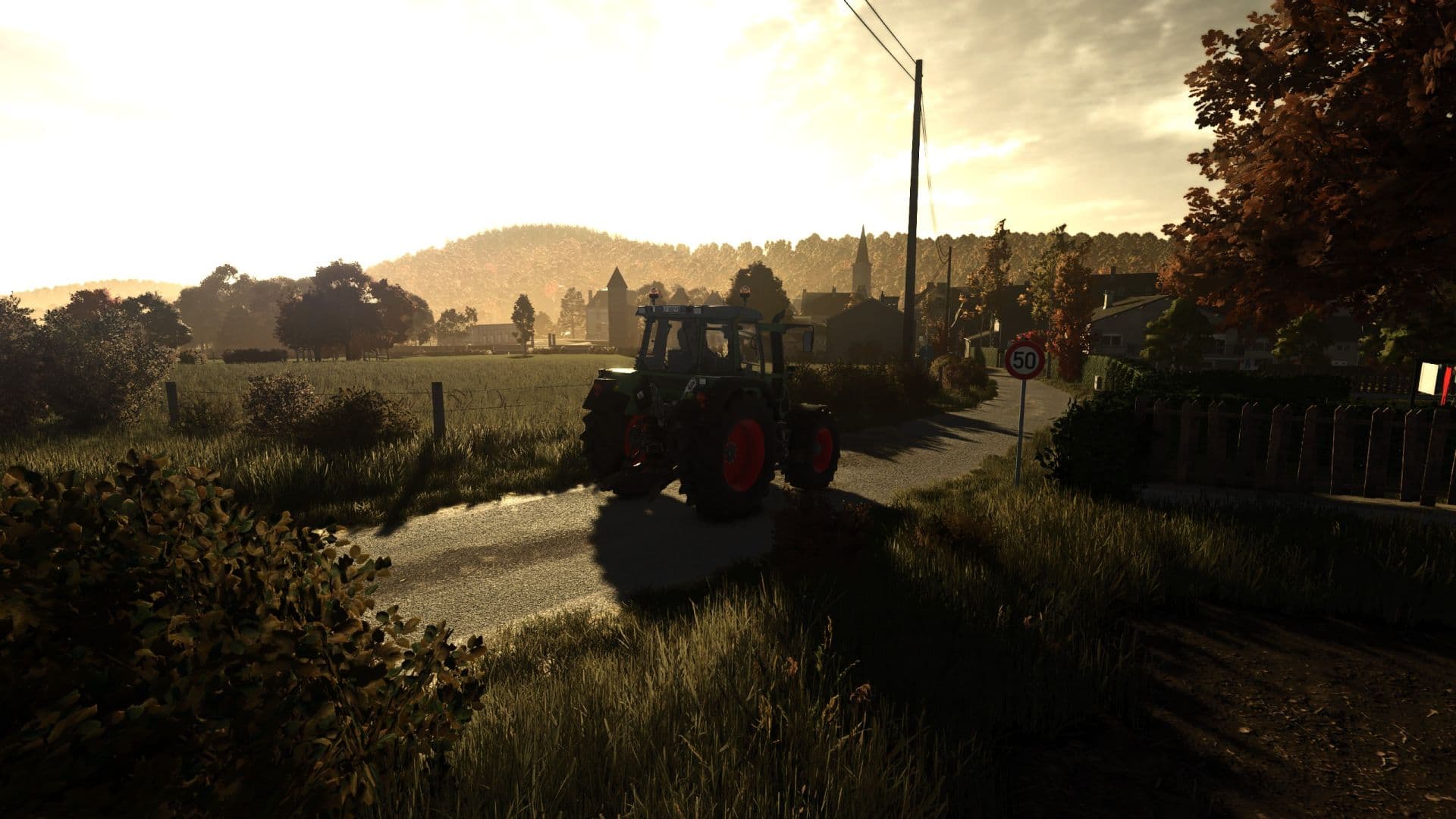
Description
Simple warm tone realistic shader. Nothing special, just what I like and always run.
How to install:
1. Install the most recent version of Reshade
2. Download and unzip the "ThunderWarmShader.zip" file
3. Move .ini file into your "/Farming Simulator 25/x64" folder
4. Load into game and press "Home"
5. Select the "ThunderWarmShader.ini" preset
6. You should be set
Credits
ThunderFS
Files
7.0 KB
Primary2 Downloads
Total downloads including previously deleted files: 2
