
Description
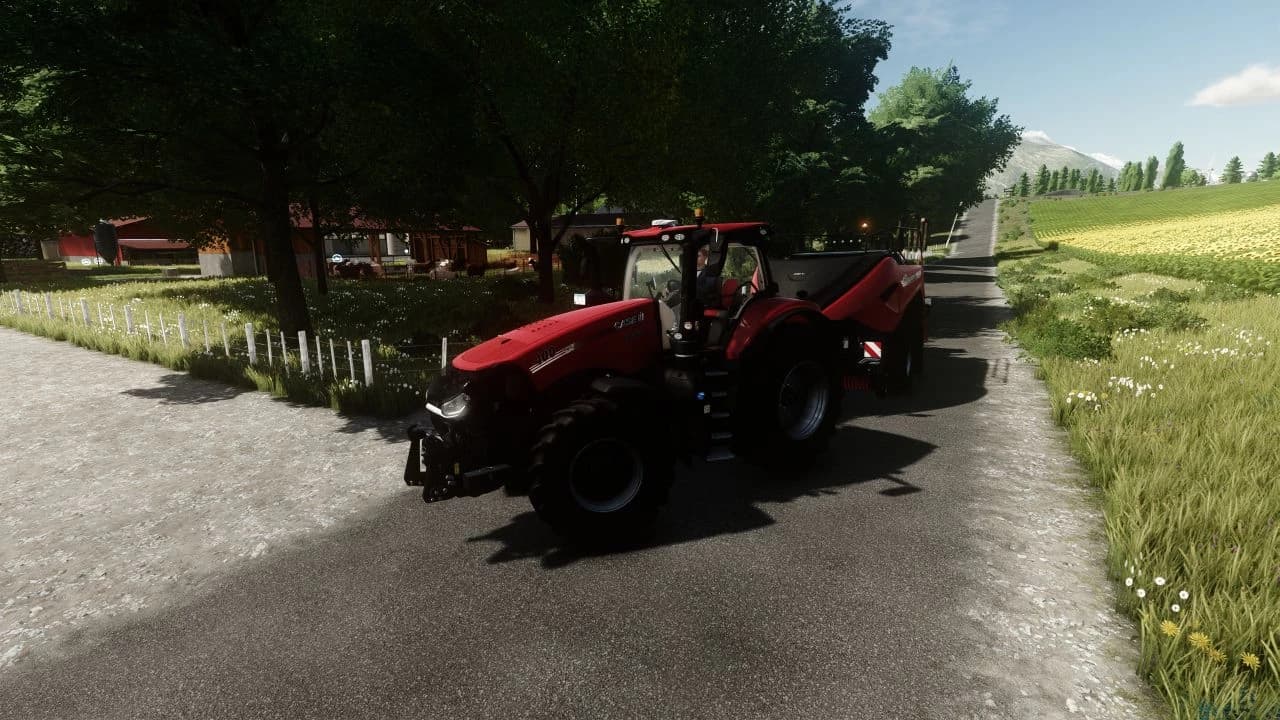
My Ultra HDR + FSR preset for FS 22.
Low HDR -
High HDR -
ATTENTION: If you are new to this business, then for the presets to work you must first install ReShade itself, and then install the preset.
The preset file must be placed in the root folder of "Farming Simulator 22/x64"
Low HDR -
High HDR -
ATTENTION: If you are new to this business, then for the presets to work you must first install ReShade itself, and then install the preset.
The preset file must be placed in the root folder of "Farming Simulator 22/x64"
Credits
B1zaro
Files
5.3 KB
Primary0 Downloads
Total downloads including previously deleted files: 0
