

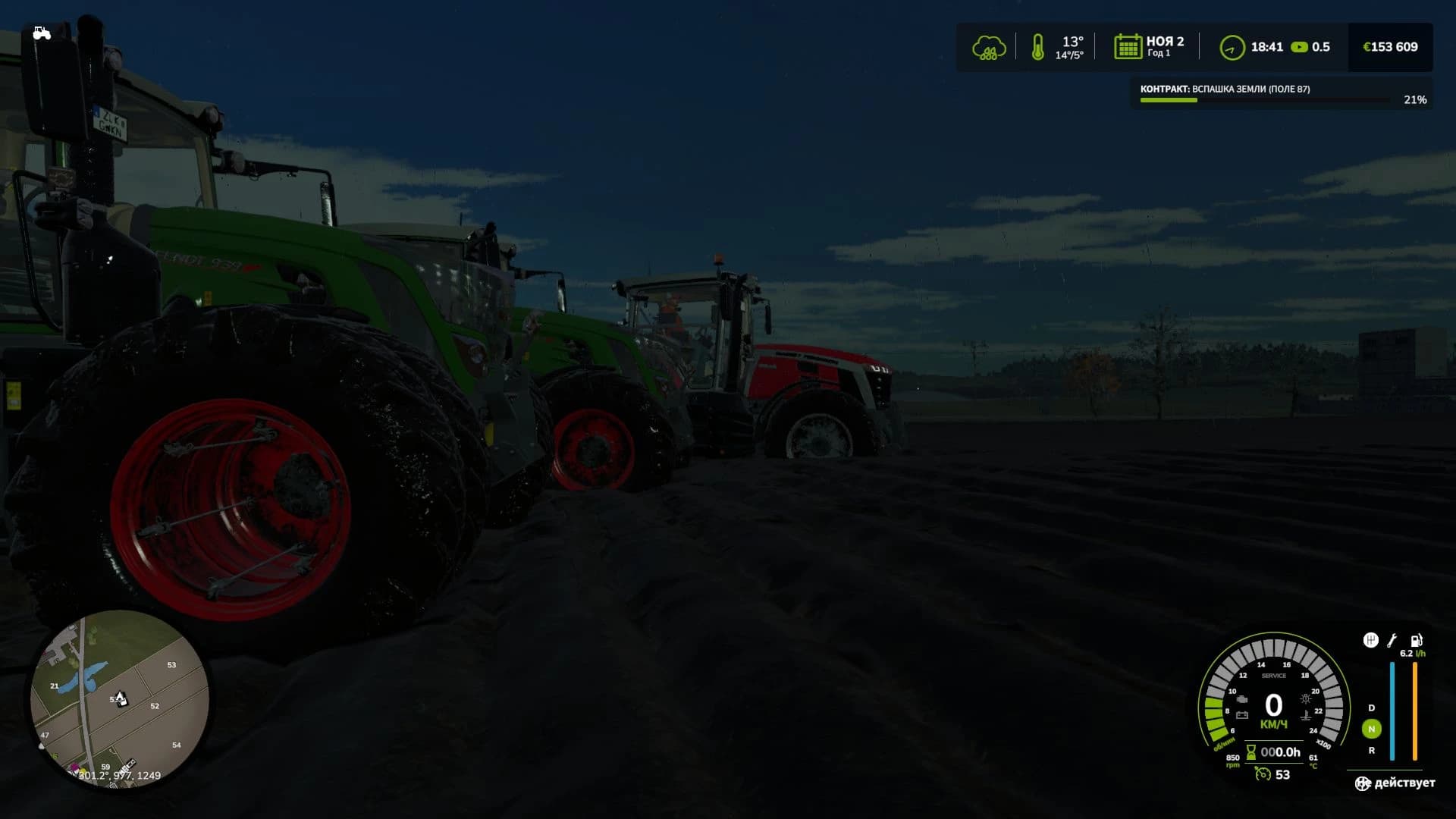
Description
✅ Slides in the rain - vehicles lose their craving and can drop wet grass and dirt.
✅ Deep ruts - heavy leaves of the machine are noticeable, especially in soft soil after rain.
✅ Fasting in mud - riding moist soil with narrow tires increases the likelihood of a stuck.
✅ Dynamic settings of parameters - the mod automatically reacts to changes in the weather and surface.
Supported Surfaces:
🌱 Grass – moderate traction, low chance of slipping.
🌧 Mud – low traction, high chance of getting stuck after rain.
🛣 Asphalt – maximum traction, no slipping.
How It Works:
In the rain, wheel friction decreases, resistance increases, and ruts become deeper.
On soft ground, vehicles may slip and get stuck.
On asphalt, vehicles remain stable in any weather.
For the correct functioning of the mod, you need to set the value of maxheight = "0.7" in the "mape.i3D" file located at \ Farming Simulator 25 \ Data \ Maps \ Mapeu-Sas or in the file of your fashion card. In the “Mapeu.i3d” file, you need the following line: <DisplacementLayer name="terrainDisplacement" size="16384" tileSize="16" numChannels="6" cellSize="8" viewDistance="25" blendOutDistance="5" maxHeight="0.7" densityMapShaderNames="terrainDisplacementMap"/>
✅ Deep ruts - heavy leaves of the machine are noticeable, especially in soft soil after rain.
✅ Fasting in mud - riding moist soil with narrow tires increases the likelihood of a stuck.
✅ Dynamic settings of parameters - the mod automatically reacts to changes in the weather and surface.
Supported Surfaces:
🌱 Grass – moderate traction, low chance of slipping.
🌧 Mud – low traction, high chance of getting stuck after rain.
🛣 Asphalt – maximum traction, no slipping.
How It Works:
In the rain, wheel friction decreases, resistance increases, and ruts become deeper.
On soft ground, vehicles may slip and get stuck.
On asphalt, vehicles remain stable in any weather.
For the correct functioning of the mod, you need to set the value of maxheight = "0.7" in the "mape.i3D" file located at \ Farming Simulator 25 \ Data \ Maps \ Mapeu-Sas or in the file of your fashion card. In the “Mapeu.i3d” file, you need the following line: <DisplacementLayer name="terrainDisplacement" size="16384" tileSize="16" numChannels="6" cellSize="8" viewDistance="25" blendOutDistance="5" maxHeight="0.7" densityMapShaderNames="terrainDisplacementMap"/>
Credits
Erata
Files
263.3 KB
Primary0 Downloads
Total downloads including previously deleted files: 0
Comments
Login to leave a commentDownload
Version:1.0.0.7
File size:263.3 KB
Downloads:0
Rating
Rating
0Rate this mod
Views
0